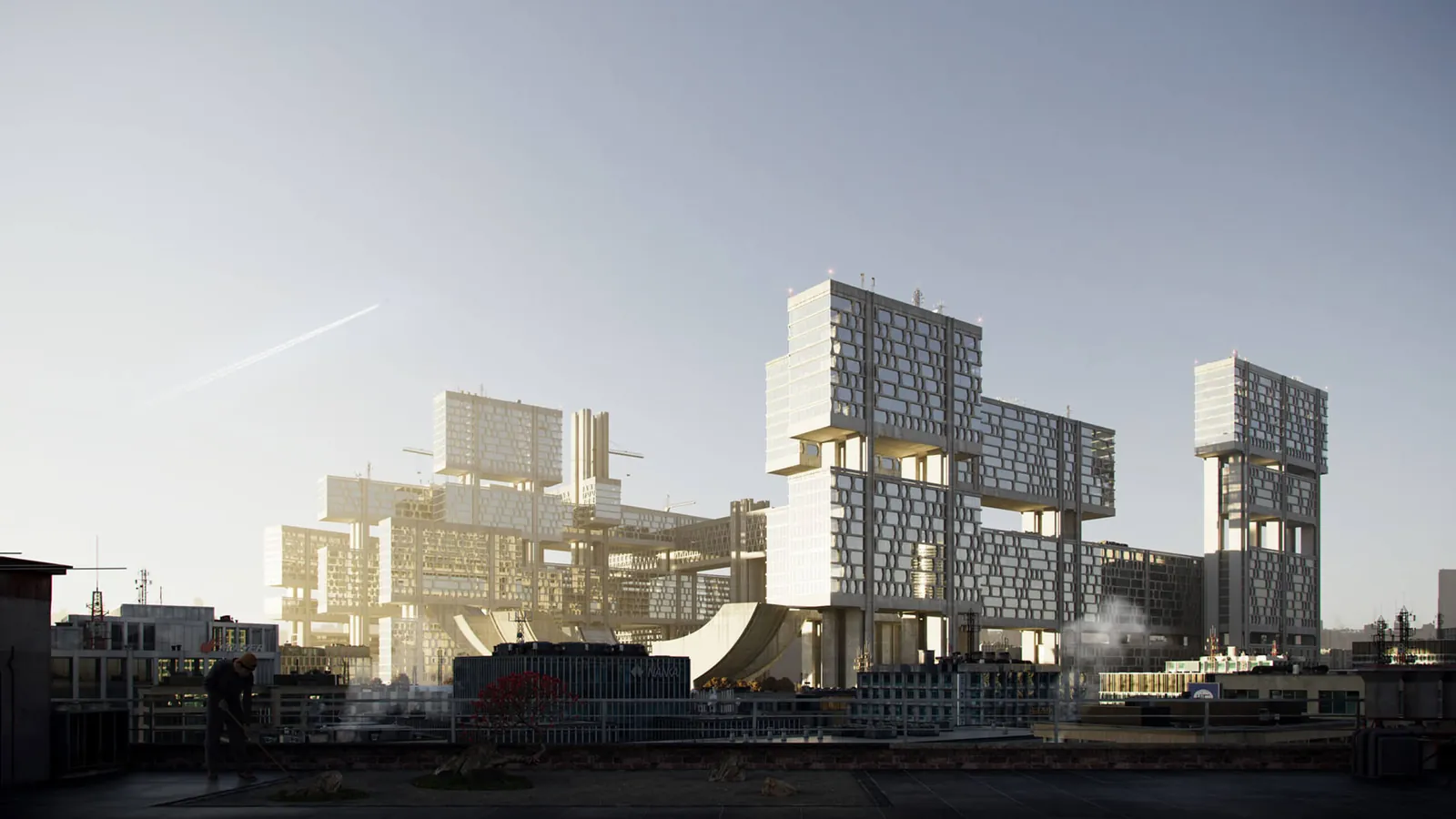
Most architects and developers who commission 3D rendering have a clear picture of the output they're looking for but only a vague sense of how it's produced. This knowledge gap creates two problems: it makes it harder to brief a project effectively, and it makes it harder to evaluate whether a studio's proposed approach and timeline are reasonable.
This article walks through the full production process — from receiving a brief to delivering the final files — explaining what happens at each stage, why it matters, and where the client's decisions have the biggest impact on quality and timeline. I'll be specific about the parts that clients often misunderstand, because those are the areas where most project problems originate.
Stage 1: Brief Review and Scoping
Before any production begins, the studio reviews the brief and clarifies what's needed. A complete brief includes: architectural drawings (at minimum, plan and elevations for exteriors; plan, section, and elevations for interiors); material specifications; camera position intent (or general guidance on what views are needed); and the intended use of the renders (planning submission, marketing, client review, etc.).
The scoping conversation — whether by phone, email, or a brief questionnaire — identifies any information gaps in the brief that would block production or require assumption. Common gaps: material finishes not specified, furniture style not defined for interior renders, site context not provided for exterior renders, camera angles not confirmed.
The most common reason projects take longer than expected or require more revisions is an incomplete brief at this stage. A studio that skips this review and goes straight to production without resolving brief gaps will produce renders that need significant revision. The right question to ask a studio: "What additional information do you need from me before you start?" A studio that has no questions after reviewing a typical design-stage brief is either not reading it carefully or making assumptions they haven't disclosed.
Stage 2: 3D Modeling
The 3D model is the foundation of every render. For architectural rendering, the model needs to capture the building's geometry accurately — the floor-to-ceiling heights, the window dimensions and sill depths, the cornice profiles, the balcony dimensions and rail details. Every visible element in the final render needs to exist as geometry in the 3D model.
If the client provides a 3D model in a compatible format (from Revit, SketchUp, ArchiCAD, or Rhino), the studio can import and adapt it rather than building from scratch. This can save significant modeling time — particularly for complex buildings — but imported models often need substantial cleanup and optimization before they're suitable for rendering. Not every architect-provided model is render-ready, and the studio needs to assess this on receipt.
For interior renders, the model needs to include furniture, fixtures, and decorative elements — the full staging of the space. If the furniture selection hasn't been made at the briefing stage, the studio will use representative pieces from its asset library. These are real furniture models — specific manufacturer pieces — not generic placeholder shapes. The furniture selection matters: a poorly chosen furniture palette can undermine a well-rendered space.
Stage 3: Material and Texture Assignment
Once the geometry model is complete, materials are assigned to every surface. This is more complex than it sounds. A photorealistic material isn't just a color — it's a combination of base color, specular reflection (how shiny the surface is), roughness (how sharp or diffused the reflections are), bump or normal mapping (surface microstructure that affects light scattering), and displacement (actual geometric surface variation).
Concrete, stone, wood, glass, metal, and fabric all have distinct material properties that need to be calibrated accurately to look photorealistic. The difference between a render that looks like a real building and one that looks "computery" is almost always material quality. Flat, uniform materials with incorrect specular response are the most common cause of non-photorealistic render quality.
For renders requiring specific material accuracy — a particular stone specification, a specified tile, a manufacturer's fabric — the studio needs reference images or manufacturer material samples. Generic stone textures don't substitute for the specific stone specified. Clients should provide material samples, product references, or finish boards at the brief stage.
Stage 4: Lighting Setup
Lighting is the most important determinant of render quality after geometry and materials. The lighting setup defines the time of day, the quality of natural light, and any artificial light sources active in the scene.
For exterior renders, lighting setup involves: the sun angle (time of day and compass orientation of the building), the sky conditions (clear sky, hazy, overcast), and the quality of ambient light reflected from surrounding surfaces and the ground plane. Golden-hour and dusk renders use HDRI (high dynamic range image) sky domes that accurately represent the color and intensity of late-day and twilight light conditions.
For interior renders, the lighting setup is more complex: the balance between natural light entering through windows and artificial lighting from fixtures determines the overall mood and character of the space. Interior lighting has to be carefully calibrated to avoid overexposed windows (windows washing out to pure white) or underexposed interiors (the room appearing too dark). This balance — the primary technical challenge in interior rendering — is what separates experienced interior rendering studios from general visualization studios.
Stage 5: Camera Setup and Composition
Camera position, angle, and focal length are compositional decisions that fundamentally affect what the render communicates. A slightly wrong camera position — too high, too close, wrong angle — can make a beautifully designed building look awkward. Camera setup for architectural rendering draws on the same principles as architectural photography: framing the building to show its key design moves, avoiding perspective distortion that misrepresents scale, and finding compositions that create visual interest.
For standard deliverables, the studio will propose camera positions based on the brief intent and produce draft views at low resolution — "clay renders" or "draft renders" — for client review before committing to the full production render. Requesting this preview step and reviewing it carefully before production proceeds is the most cost-effective point to make changes to the composition.
Stage 6: Rendering and Post-Production
The render itself — the computation of the final image — is the automated step that most people imagine as "the rendering process." In practice, it's one step in a longer workflow. For offline rendering (V-Ray, Corona), render times vary from minutes for simple exterior scenes to many hours for complex interior scenes with multiple light sources.
Post-production — color grading, contrast adjustment, atmospheric haze, sky replacement, vegetation enhancements, figure population, and final file export — transforms the raw render output into the final deliverable. The difference between a raw render and a post-produced render can be significant; post-production accounts for a substantial portion of the visual quality of a professional render.
For a full explanation of delivery formats, see our article on rendering file formats. For timeline expectations by render type, see our article on how long 3D rendering takes. Full pricing is on our pricing page.
Stage 7: Client Review and Revisions
Professional rendering studios build client review into the production process. The standard approach is: draft renders for camera and composition approval, then materials and lighting review, then final high-resolution delivery. This structured review process is more efficient than open-ended revision cycles because it isolates specific types of feedback at the appropriate production stage.
The revision scope matters. Changing a material color in revision is a minor task. Changing the camera position requires re-rendering from a different viewpoint. Adding a significant new architectural element is a modeling change. Understanding what constitutes a minor versus major revision helps clients provide feedback efficiently. See our article on what to expect from a rendering studio for a full discussion of the revision process.
Ready to Start Your Project?
Share your drawings and brief — we'll review them and scope your render package with pricing within 2 hours.
Get a Quote