The question I get most often before a project starts is "how long will this take?" The honest answer is: it depends — but in ways you can understand and predict once you know what actually drives the number.
Studio websites often list headline speeds ("exterior render in 48 hours") that apply to simple cases under ideal conditions. Professional quality work takes longer, for reasons that are fully explainable. This guide gives you the real numbers, the factors that shift them, and — the part most guides skip — how to plan your production calendar backward from your actual deadline so you know exactly when you need to send the brief.
Standard timelines by render type
The table below shows realistic first-draft timelines for the most common render types, assuming a complete brief with all drawings, material specifications, camera positions, and reference imagery supplied at the start. Incomplete briefs add time at every stage.
| Render type | Standard | Complex | Rush (premium) |
|---|---|---|---|
| Exterior render (single building) | 4–6 days | 7–10 days | 2–3 days |
| Interior render (single room) | 4–6 days | 7–10 days | 2–3 days |
| Aerial / bird's-eye render | 5–8 days | 10–14 days | 3–5 days |
| 3D floor plan | 3–5 days | 5–7 days | 1–2 days |
| Photomontage composite | 7–12 days | 14–18 days | 4–6 days |
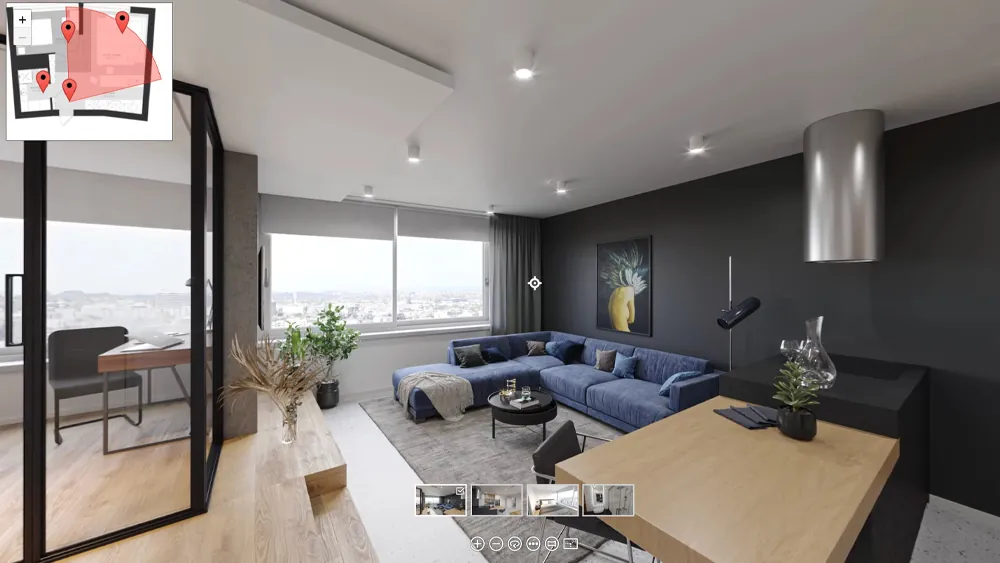
| 360° virtual tour (per scene) | 5–8 days | 10–14 days | 3–5 days |
| Architectural animation (60 sec) | 3–4 weeks | 5–8 weeks | 2–3 weeks |
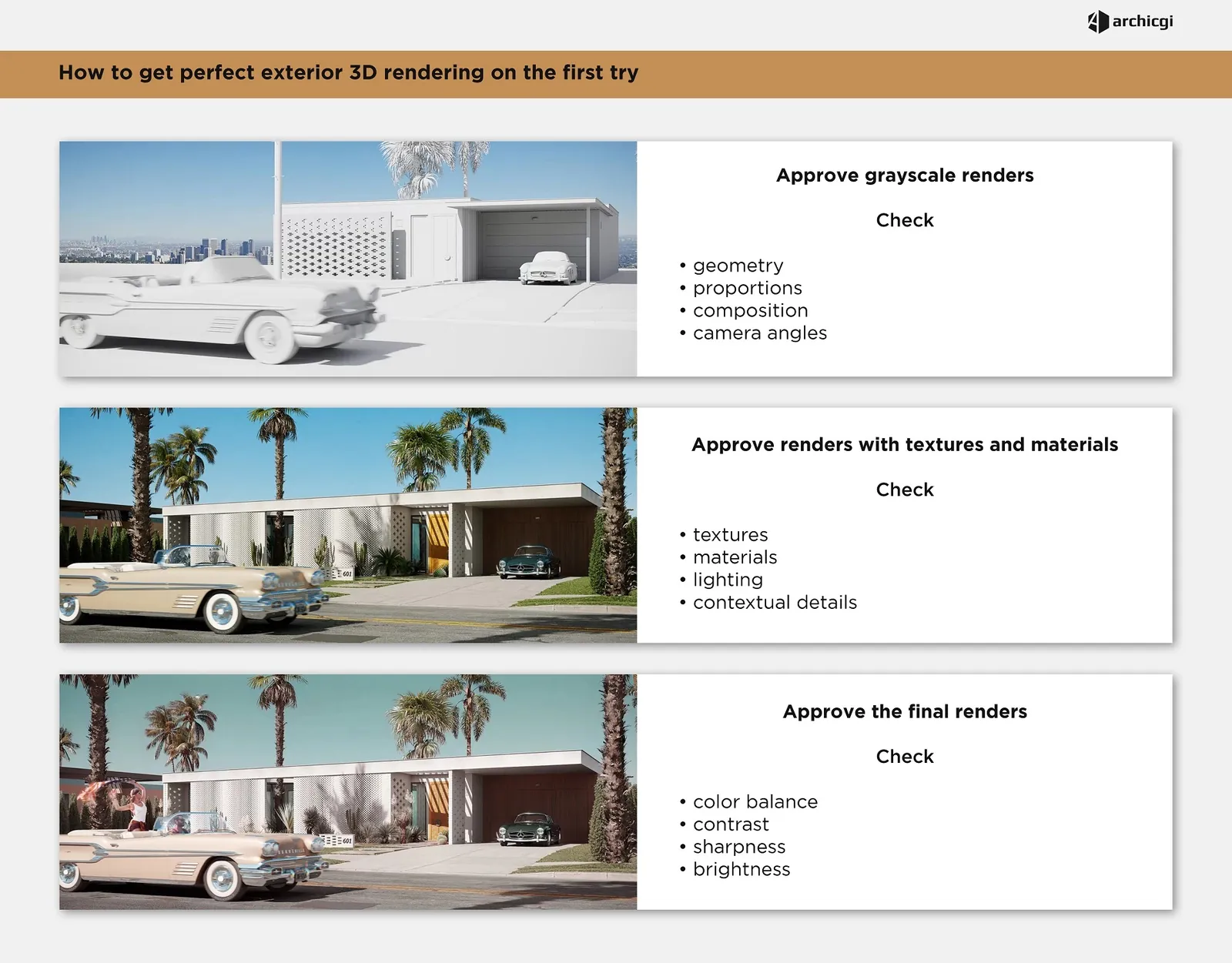
These are first-draft timelines. Revision rounds — typically two included in standard packages — add 2–5 business days per round depending on what changes are requested. Most projects complete in two revision rounds; complex projects with multiple stakeholders reviewing separately can take three to four. Finals are delivered 1–3 business days after revision approval, depending on scene complexity.
What drives rendering timelines
Five factors account for nearly all variation in how long a project takes. Understanding each one tells you where you have influence and where you don't.
3D model complexity. Every render starts with building the 3D model of the design. A simple rectangular building with clean cladding takes substantially less modeling time than a building with curved surfaces, articulated facades, or intricate custom elements. For interior renders, an open-plan space with standard furniture builds in one to two days; a custom kitchen with detailed millwork, integrated appliances, and ornate finishes can take three to four days. More design resolution in the drawings means more detail that must go into the model. For a full explanation of how each rendering production stage works — from modeling through final delivery — see our dedicated guide.
Context and environment. Exterior and aerial renders require modeling the surrounding site: neighboring buildings, streetscape, landscaping, sky. A building on an isolated suburban site renders faster than the same building in a dense urban block. Photomontage composites are the most time-intensive exterior deliverable because they require site photography at a specific viewpoint, camera-matching the 3D model to that photo, and compositing the render into the real environment.
Brief completeness. This is the factor you control most directly, and it has a disproportionate effect on timeline. When a complete brief arrives — all drawings, material specifications, reference imagery, and camera positions — the studio can begin modeling immediately. When a brief has gaps ("we'll confirm the kitchen finishes next week"), the studio either waits or proceeds with assumptions that will require revision. Each missing specification adds a back-and-forth email exchange that typically costs one to three days per iteration, plus revision time if the assumption was wrong.
Revision scope and feedback speed. Minor revisions — camera refinement, material swap, entourage change — are typically turned around in one to two business days. Major revisions that require remodeling geometry or rebuilding scenes take three to five days. Fragmented feedback — five separate emails from different reviewers arriving over several days — costs you a partial revision round each time. A single consolidated feedback document per round is the fastest path through revisions.
Package size. A single render completes in absolute time faster than a package, but the per-image time in a package is lower because the 3D model is built once and reused across all views. Commissioning eight renders together is both faster per image and more cost-efficient than ordering them one at a time over two months. See the package section below for a detailed comparison.
How your file format affects the first draft date
One variable that most timeline guides ignore: the format of the files you send adds a fixed amount of days to the first draft before any other factor applies. Here is the realistic impact by file type:
| File type submitted | Added modeling time | Notes |
|---|---|---|
| Revit model (well-organized, current) | 0 days added | Geometry imports directly; studio focuses on materials and environment |
| SketchUp model (clean geometry) | +0.5–1 day | Minor cleanup and LOD refinement often needed before rendering |
| AutoCAD / DWG (2D drawings, complete) | +2–3 days | Studio builds 3D model from scratch using drawings as reference |
| PDF drawings (clear, at scale) | +2–4 days | Requires tracing and dimension verification; slower than editable CAD |
| Sketches or concept drawings only | +4–6 days | High interpretation requirement; expect more clarification questions |
| No drawings — verbal brief only | Not feasible | A minimum floor plan and elevation is required to begin modeling |
The practical implication: if you have a Revit model and your competitor submitted PDF drawings, they're starting 2–4 days behind you with the same studio. If you don't have a 3D model but have a hard deadline, let the studio know at first contact — they can advise on whether the timeline is workable and what information minimizes the extra modeling time.
How to compress your timeline
When a deadline is fixed — an investor presentation, a planning submission, a pre-sales launch — specific actions reliably reduce turnaround without sacrificing quality.
Submit a complete brief on the first day. The single most impactful thing you can do. A complete brief with all drawings, material specifications, camera positions, and reference imagery allows the studio to begin immediately and eliminates the back-and-forth that accounts for most overruns. Our guide on how to brief a rendering studio covers exactly what to include.
Commission a package rather than individual renders. A studio building one 3D model for a package of eight renders completes each image faster than if those same renders were commissioned separately over two months. Phased delivery is available on large packages — the studio delivers priority renders first while completing the remainder on standard timeline.
Consolidate feedback into one round. Studios work fastest when revision notes arrive as a single annotated document — not as sequential emails from five different reviewers over four days. Designate one person to collect and consolidate all internal feedback before it goes to the studio.
Request rush delivery with advance notice. Rush service compresses timelines by 30–50% by prioritizing your project and allocating additional capacity. A 48-hour advance notice gives significantly more scheduling flexibility than a same-day call. Rush carries a premium of 25–50% over standard rates depending on the degree of compression required.
Reduce scope to match the deadline. If the full package isn't achievable by the hard date, identify the renders that are critical for the specific event. For an investor presentation, the aerial and exterior hero typically matter more than unit interiors. For a planning submission, the required photomontage views come before marketing imagery. Getting the right renders right matters more than delivering everything at once.
Working backward from your deadline
Most clients think about rendering timelines forward from when they contact the studio. Planning backward from the deadline is more useful when a specific date is non-negotiable.
Here is how to back-calculate the brief submission date for a standard project with two revision rounds:
| Stage | Duration (standard) | Working back from deadline |
|---|---|---|
| Final delivery to you | 1–2 days after approval | Deadline day = D |
| Second revision round | 2–3 days | D minus 3–5 days |
| First revision round | 2–3 days | D minus 5–8 days |
| First draft review (your time) | 1–2 days | D minus 7–11 days |
| First draft production | 4–8 days (type-dependent) | D minus 12–19 days |
| Modeling (with Revit model) | 1–2 days | D minus 13–21 days |
| Brief submission + estimate | Day 0 | Submit no later than D minus 15–23 days |
For a standard exterior or interior project where you have a Revit model and a hard deadline three weeks out, you're working at the edge of standard timeline. If you're submitting 2D drawings, add 2–4 days and you may need rush service. If the deadline is two weeks out and you're starting now, contact the studio immediately — rush options exist but require advance notice to schedule the priority allocation.
For full development packages — exterior, interior, aerial, floor plans combined — the timeline is 3–5 weeks from brief to final delivery under standard conditions. A sales launch or planning submission requiring the full package needs a brief submitted 5–6 weeks in advance minimum.
Package vs. individual render timeline
A question I get regularly: "I have eight renders to commission — should I do them one at a time or as a package?" The answer almost always favors the package, for a reason that's easy to see once you understand how studio production works.
When you commission eight renders together, the studio builds one thorough 3D model that all eight views reference. The model is built once; each additional view after the first draws from the same geometry, materials, and scene setup. A package of eight renders typically completes in three to four weeks, meaning each image averages two to three days of production once modeling is done.
When you commission those same eight renders individually over two months, each new brief requires the studio to rebuild or re-access the model, rebrief the scene, and run a full production cycle. The cumulative time is substantially longer, and you typically pay more per image because there are no package efficiencies.
If you need a subset of renders by an early deadline, commission the full package now and request a phased delivery schedule — priority renders first, the remainder on standard timeline. This is commonly achievable and gives you all renders eventually at package pricing.
What affects animation timelines specifically
Animation projects have significantly longer timelines than still renders for a structural reason: every second of output requires rendering many individual frames, each at an extended compute time. A 60-second architectural walkthrough at 4K resolution involves roughly 1,800 frames — each requiring 20–45 minutes of GPU compute time — plus post-production color grading, sound design, and title cards.
The key timeline variables for animation are: scene complexity (number of buildings, density of site context), camera path length and complexity (a simple walkthrough is faster than a multi-angle flythrough with zoom sequences), and output resolution (1080p vs. 4K). Rush options for animation are more constrained than for still renders because compute time is largely fixed by scene geometry and frame count.
Our exterior rendering, interior rendering, and aerial rendering services all include a realistic timeline in the estimate so you know what to expect before the project begins. For pricing and current availability, see our pricing page. To review what the process looks like at each stage, see our guide on what to expect from a rendering studio.
Have a hard deadline?
Tell us your deadline and project scope — we'll advise on what's achievable and provide rush options if needed. Estimates within 2 hours.
Get a timeline and estimate